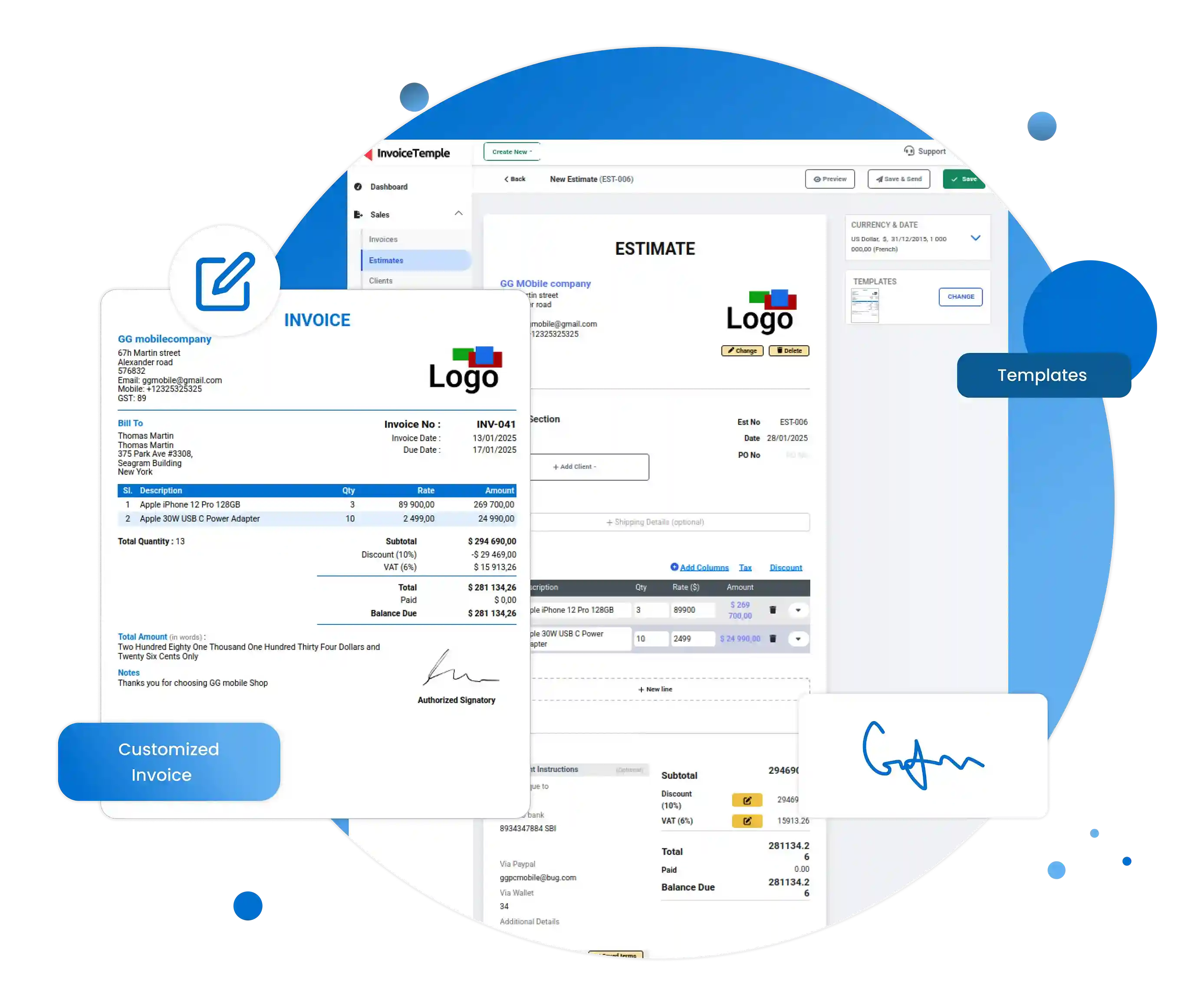
Pick the estimate template from InvoiceTemple invoicing software.
An estimate is the preliminary document that is forwarded to the client regarding the business deal. InvoiceTemple offers a collection of free estimate templates, which are easy to download and are downloadable in any format you prefer. You can alter it according to your wish and forward it to the client.
With InvoiceTemple you can generate the estimate within a few clicks.
Why delay? Start using our InvoiceTemple invoicing software, generate professional estimates, get them approved and set your business standard high.
Here are a few options for a post about "EasyFirmware.com FRP fixed," depending on where you are posting (Facebook, Telegram, a Forum, or a Website).
Get back into your device now. 👉 [Insert Link Here]
: The tool supports advanced ADB commands and Fastboot modes, allowing users to perform actions like "fastboot reset" or reading system info directly from the bootloader. Legacy Support for Samsung easyfirmwarecom frp fixed
Wipe FRP: Use a "Reset FRP" function in your tool (like Odin or a specialized FRP tool) while the device is in this mode.
Easyfirmwarecom solves this by providing pre-patched, tested FRP fixed firmware files. By learning how to correctly flash these files—and understanding the risks of security mismatches—you turn an impossible repair into a five-minute job. Here are a few options for a post about "EasyFirmware
EasyFirmware.com FRP Fixed is a reliable and efficient tool for bypassing FRP on Android devices. While FRP is an essential security feature, it can become a significant obstacle for users who forget their Google account credentials or purchase a second-hand device with FRP enabled. By following the steps outlined in this article, users can regain access to their devices and continue using them without any issues. However, it's essential to be aware of the potential risks and precautions involved.
Final Flash: Flash a full "Stock ROM" (also available on Easy-Firmware) to return the phone to its normal operating system with the lock removed. Easy-Firmware Team Tool FRP Remover For Samsung Legacy Support for Samsung Wipe FRP: Use a
Step 4: Flash the FRP File Open the Odin tool on your PC. Connect your device via USB. Odin should detect the device (showing a blue or yellow box). Click the "AP" or "PDA" button in Odin and select the FRP/Combination file you downloaded from EasyFirmware. Click Start.
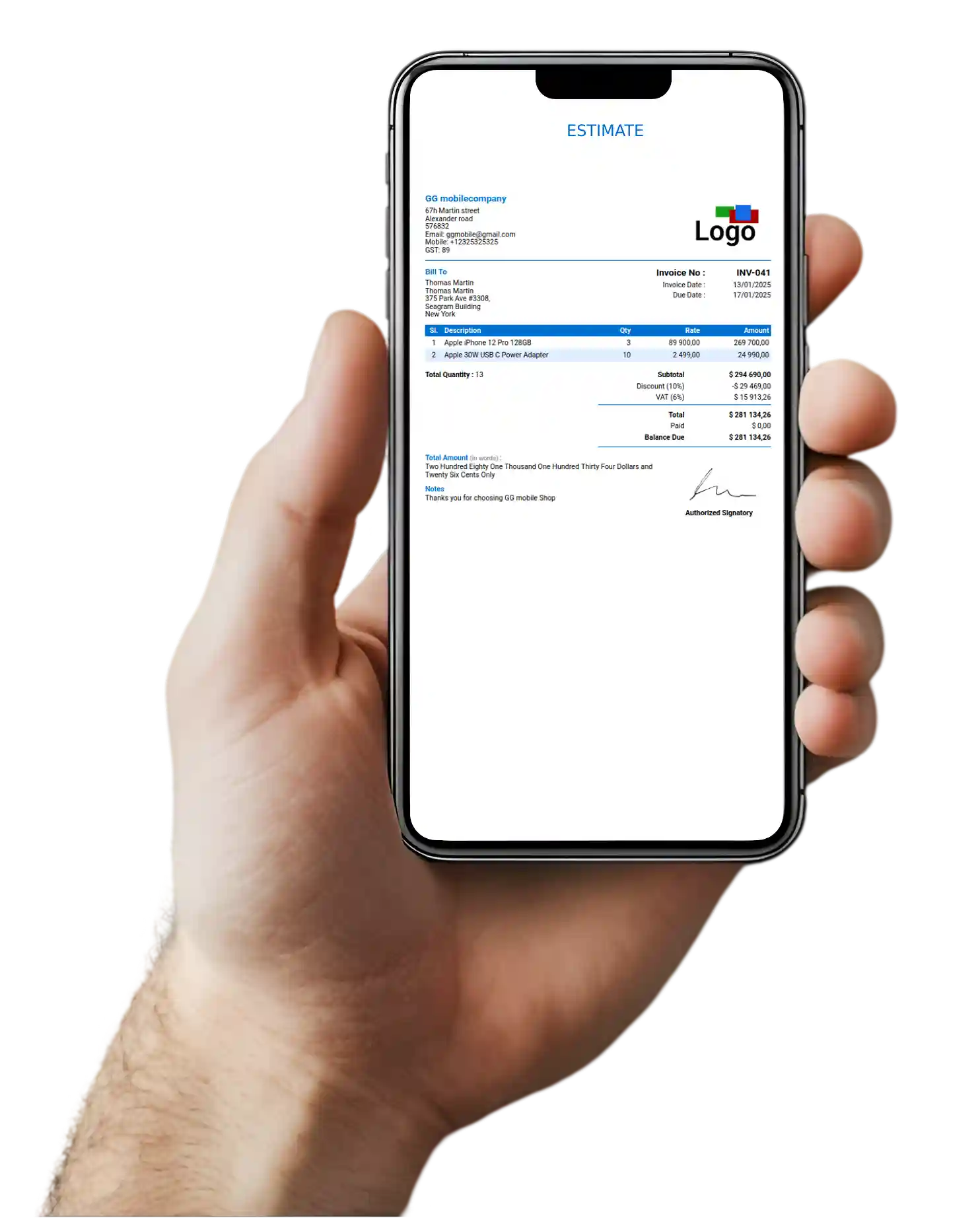
Pick the estimate template from InvoiceTemple invoicing software.
Enter the client details, products and services details, payment instructions, tax details, any other applicable charges, total amount, and any other essential details.
Review the estimate and forward to client.
Review the details before converting the drafted estimate into an invoice.
After the approval, change the estimate immediately to invoice within a click.
The estimates are the documents shared between the seller and the buyer during the purchasing process. Hence, it must be in an easily accessible and a convenient format for both. This easy accessibility ensures flexibility in sharing the documents. These downloadable template formats make sure the document is compatible with any platform for easy sharing and viewing. Also, these templates are ready to use, so it saves a considerable amount of time for the business owner.
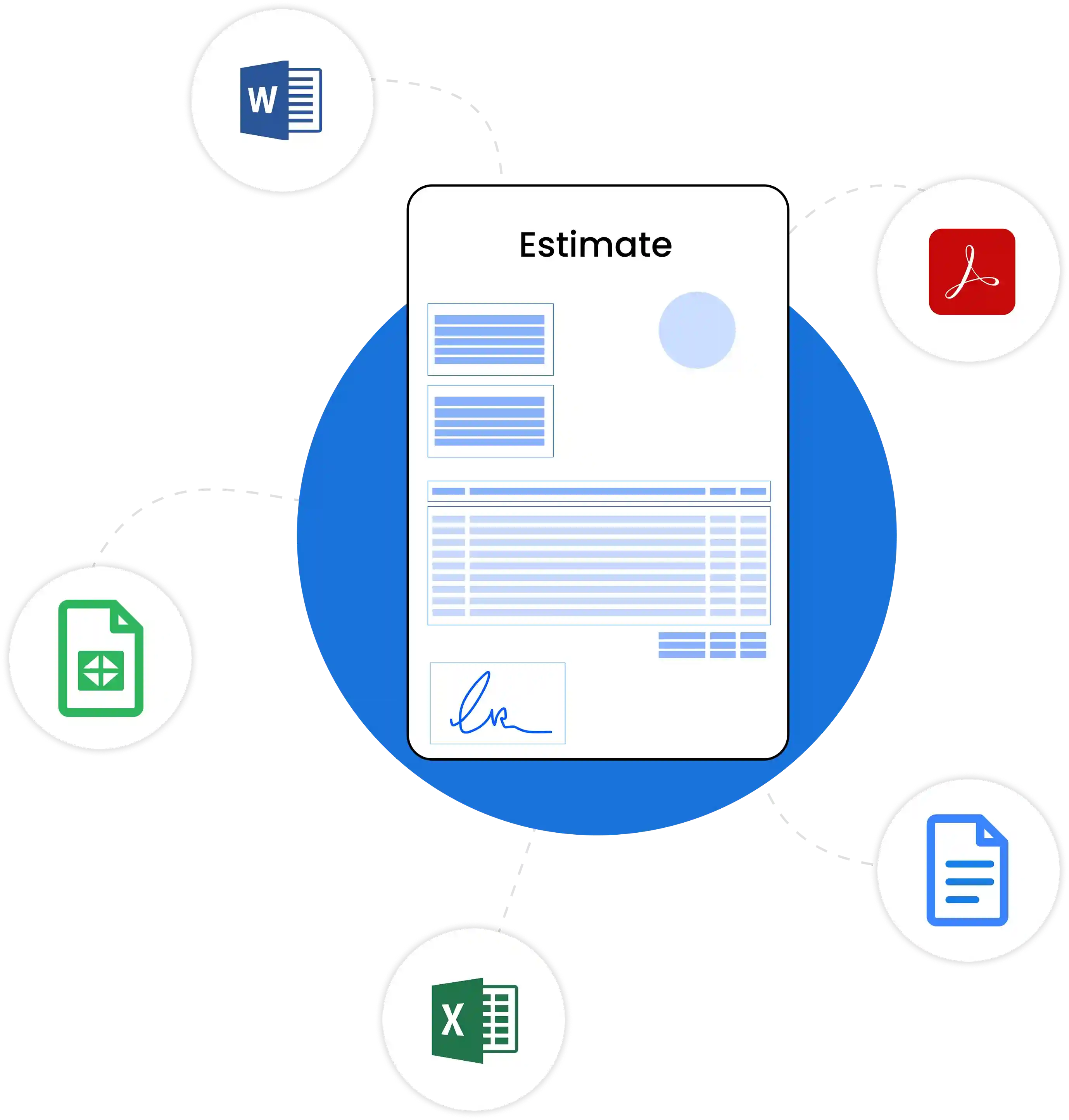
InvoiceTemple, the invoicing software for small business offers numerous blank estimate templates for your estimation process. The key advantage is that you can download and access these templates in various formats, including Microsoft Excel, Google Sheets, Microsoft Word, Google Docs, and PDF. Simply download the estimate template in the format you prefer, input the information, share it with clients, streamline your workflow, and increase your productivity.
InvoiceTemple, the invoicing software for small business offers numerous estimate templates. It saves your valuable time.
Here are a few options for a post about "EasyFirmware.com FRP fixed," depending on where you are posting (Facebook, Telegram, a Forum, or a Website).
Get back into your device now. 👉 [Insert Link Here]
: The tool supports advanced ADB commands and Fastboot modes, allowing users to perform actions like "fastboot reset" or reading system info directly from the bootloader. Legacy Support for Samsung
Wipe FRP: Use a "Reset FRP" function in your tool (like Odin or a specialized FRP tool) while the device is in this mode.
Easyfirmwarecom solves this by providing pre-patched, tested FRP fixed firmware files. By learning how to correctly flash these files—and understanding the risks of security mismatches—you turn an impossible repair into a five-minute job.
EasyFirmware.com FRP Fixed is a reliable and efficient tool for bypassing FRP on Android devices. While FRP is an essential security feature, it can become a significant obstacle for users who forget their Google account credentials or purchase a second-hand device with FRP enabled. By following the steps outlined in this article, users can regain access to their devices and continue using them without any issues. However, it's essential to be aware of the potential risks and precautions involved.
Final Flash: Flash a full "Stock ROM" (also available on Easy-Firmware) to return the phone to its normal operating system with the lock removed. Easy-Firmware Team Tool FRP Remover For Samsung
Step 4: Flash the FRP File Open the Odin tool on your PC. Connect your device via USB. Odin should detect the device (showing a blue or yellow box). Click the "AP" or "PDA" button in Odin and select the FRP/Combination file you downloaded from EasyFirmware. Click Start.